

Password Managers and MFA: A Small-Business Rollout
March 15th, 2027
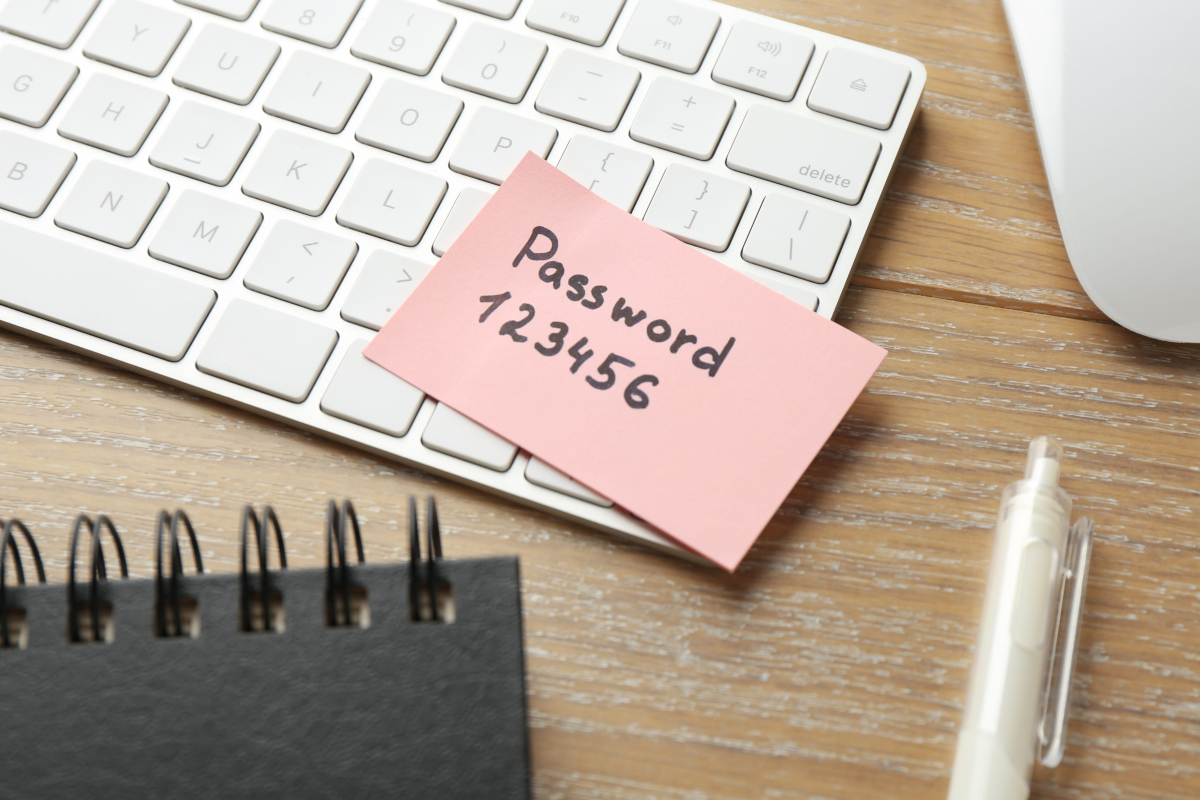
Every cybersecurity review ends in the same two recommendations: use a password manager, and turn on multi-factor authentication. Both are correct. Both are also where rollouts stall, because they change how people work and because the first attempt usually produces a locked-out owner on a Saturday.
The rollout is not a technology problem. It is a sequencing problem. This is a plan that a 10 to 100 person business can actually complete in a few weeks without stopping operations.
Why These Two Controls First
Most breaches that hit small businesses start with a stolen credential. The password is reused from a personal account that appeared in an old breach, or it was guessed, or it was typed into a fake login page. A password manager removes the reuse. Multi-factor authentication removes the value of a password that is already known.
Together, they close the single most common path into a business network. They are also inexpensive relative to almost any other control, which is why insurers now ask about them directly.
Phase One: Decide the Policy Before Buying Anything
The tool matters less than the rules. Write these down first.
- One vault per user, plus shared vaults. Nobody should be emailing a password or keeping it in a spreadsheet. Shared credentials belong in a shared vault with named access.
- Every employee has an account. No generic logins shared across a department. Every account has a person behind it.
- Passwords for new accounts are generated, not chosen. Length and randomness come from the tool.
- MFA is mandatory for the manager, email, banking, and remote access. Those four cover most real risk.
- Break-glass access exists and is documented. More on that below.
- Personal vaults are private. The business should not promise to read employee personal passwords. It should reserve the right to recover a business account in an emergency, and the policy should say how.
Get agreement on those six points before a pilot, or the rollout will relitigate them in week three.
Phase Two: Pick the Tool
The requirements that matter for a small business are specific.
- Administrator console with policy enforcement. MFA enforcement, password strength, sharing limits, and the ability to disable a departing user in one step.
- Shared vaults or collections. Credentials that belong to a team, not a person.
- Browser extension and mobile app. If it is inconvenient, people will work around it.
- Audit log. Who accessed which credential, and when.
- Emergency access. A defined recovery path if the only administrator is unavailable.
- Single sign-on support if the business already uses Microsoft 365 or Google Workspace. This makes onboarding and offboarding much simpler.
Business-class password managers are priced per user per month and cost less than a single support ticket caused by a locked account. Avoid consumer free tiers for business use: they usually lack the admin console and the audit trail that make the tool manageable.
Phase Three: Migrate Without Breaking Everything
Have users import from their browser's saved passwords, then delete the browser copies. The manager can then run a weak and reused password report, which produces a list that is usually alarming and immediately useful.
Do not try to change every password on day one. A sensible order:
- Email and Microsoft 365 accounts
- Banking and payment portals
- Remote access, VPN, and firewall administration
- Line-of-business applications
- Vendor and supplier portals
- Everything else, as accounts come up naturally
Rotating a password that has never leaked is not urgent. Rotating an administrator password that four people know, in a system that has no MFA, is urgent.
Phase Four: MFA, in the Right Order
Authentication methods are not equal. The practical ranking for a small business:
- Passkeys or hardware security keys. Strongest, and increasingly practical. Best for administrators and anyone with access to money.
- Authenticator app with number matching. The default recommendation for most staff. Number matching defeats the simplest push-notification fatigue attacks.
- SMS codes. Better than nothing, weaker than an app because of SIM swap and interception. Acceptable for low-risk accounts where an app is genuinely impossible.
- Email codes. Weakest, and often circular, since the email account is usually what you are protecting.
Enforce the strongest method on the accounts that matter most: the global administrator, the email administrator, the accounting system, and the banking portal. Then require authenticator apps broadly. Do not make a warehouse employee with no financial access fight a hardware key policy that security invented for a threat they will never face.
Phase Five: Roll Out in Waves
The sequence that works:
- Week 1: IT and the owner. If the business has an IT provider, they go first and learn the support questions.
- Week 2: Managers and finance. The people with the most sensitive access, and the people who will answer questions from their teams.
- Week 3 and 4: Everyone else, in groups of ten to fifteen. Short sessions, live, with a person available to unlock the first login.
Do not announce a deadline and walk away. The rollouts that fail are the ones that send an email on Friday and enforce on Monday.
The Failures to Avoid
No break-glass account
Every MFA deployment needs at least two emergency administrator accounts excluded from the main policy, with long unique passwords stored offline, and one hardware key held by a named person. If the phone is lost, the laptop is stolen, and the only administrator is on vacation, the business needs a way in that does not depend on the phone that is gone. Test this once a year.
Legacy applications that cannot use modern authentication
An old line-of-business application may not support MFA. That is a project, not a reason to delay the rest. Isolate the application on its own network segment, restrict who can reach it, and plan its replacement. Do not let one application hold the whole business at a weaker standard.
Service accounts and integrations
Printers, scanners, backup software, and monitoring tools often use a username and password. These accounts should be named, documented, given long unique passwords stored in the shared vault, and limited to a single purpose. An application account with domain administrator rights and a password from 2018 is a common finding.
Treating it as a one-time project
The controls drift. New hires get onboarded without a policy applied. An administrator exempts a manager who complained. A quarter later the enforcement report looks nothing like the plan. Review the configuration quarterly: who is exempt, who has MFA disabled, and what the weak password report shows.
What Success Looks Like
Three measurable outcomes after a quarter:
- Every employee is in the password manager, and the reused password count is near zero.
- MFA is enforced on every account that reaches email, money, or remote access, with the number of exemptions written down and reviewed.
- A departing employee can be disabled in one step, and their shared credentials are rotated the same day.
That is a real improvement in security posture, and it usually costs less than the first insurance questionnaire that asks about it.
How iTech Helps
Most businesses do not need a large project. They need a plan, a tool recommendation, and someone to run the rollout and absorb the support calls. That is normal managed IT services in Parkersburg WV work, and it fits alongside the controls insurers already expect.
If your cyber insurance renewal is coming, our article on the IT controls insurers require lists the rest of the checklist. And if a rollout has stalled halfway, contact us and we will finish it rather than start over.
Posted in: IT Solutions